
Best for
- Use when adding classification, regression, clustering, anomaly detection, recommendation, LLM integration (text generation, summarization, reasoning), RAG pipelines with vector searc
dotnet/skills/plugins/dotnet-ai/skills/technology-selection/SKILL.md
Guides technology selection and implementation of AI and ML features in .NET 8+ applications using ML.NET, Microsoft.Extensions.AI (MEAI), Microsoft Agent Framework (MAF), GitHub Copilot SDK, ONNX Runtime, and OllamaSharp. Covers the full spectrum from classic ML through modern LLM orchestration to local inference. Use when adding classification, regression, clustering, anomaly detection, recommendation, LLM integration (text generation, summarization, reasoning), RAG pipelines with vector searc
Decision brief
Pick the right technology first, then deliver only what the task asks for. If the task asks for a plan, comparison, or architecture (or says "do not write code"), produce that — do not scaffold, build, or run code unprompted.
In this controlled same-task single run, enabling technology-selection changed the output from 3571 non-whitespace characters and 9 headings to 3619 characters and 9 headings. Matches among 8 signals extracted from the pinned source changed from 0 to 2. Both actual outputs are shown; this is a structural observation, not a quality score or a universal performance claim.
Design and implement a representative production change for a TypeScript webhook retry service. Include the key code or pseudocode, tradeoffs, and verification steps. The deliverable must specifically reflect this user intent: Guides technology selection and implementation of AI and ML features in .NET 8+ applications using ML.NET, Microsoft.Extensions.AI (MEAI), Microsoft Agent Framework (MAF), GitHub Copilot SDK, ONNX Runtime, and OllamaSharp. Covers the full spectrum from classic ML through modern LLM orchestration to local inference. Use when adding classification, regression, clustering, anomaly detection, recommendation, LLM integration (text generation, summarization, reasoning), RAG pipelines with vector searc
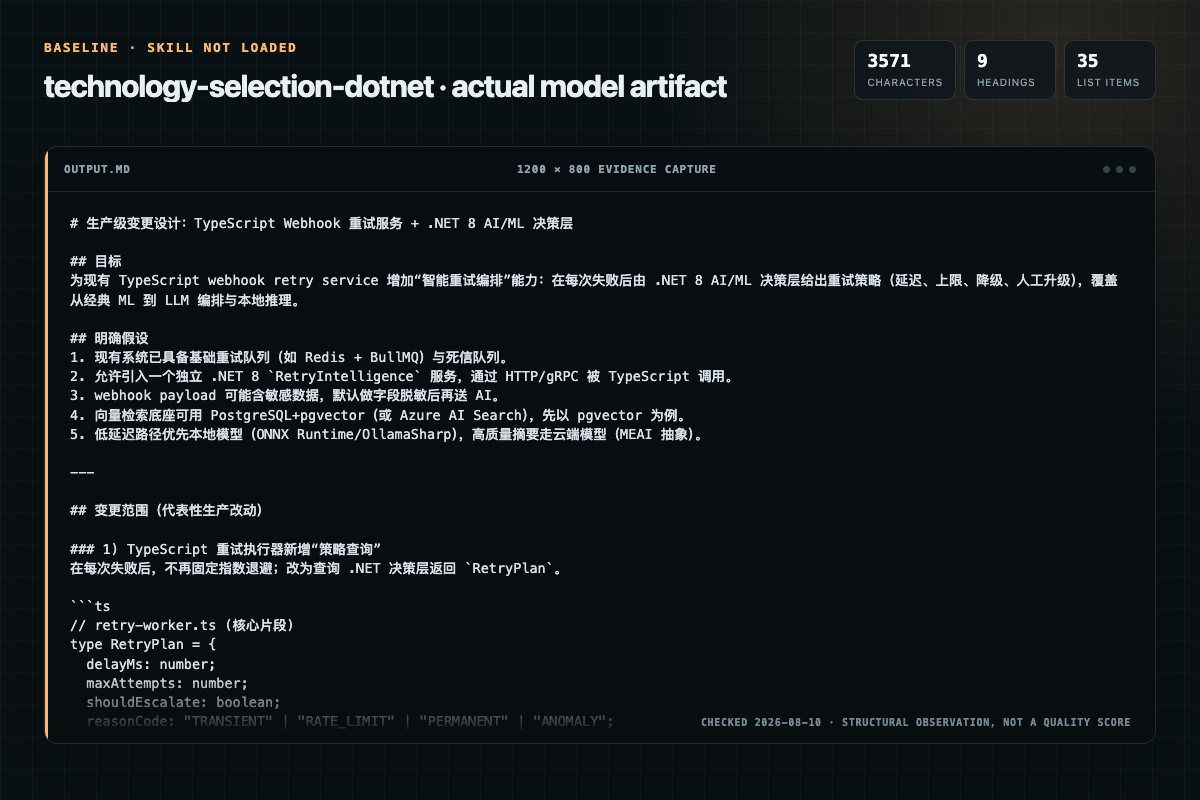
Baseline: 3571 non-whitespace characters, 9 headings, and 35 list items.
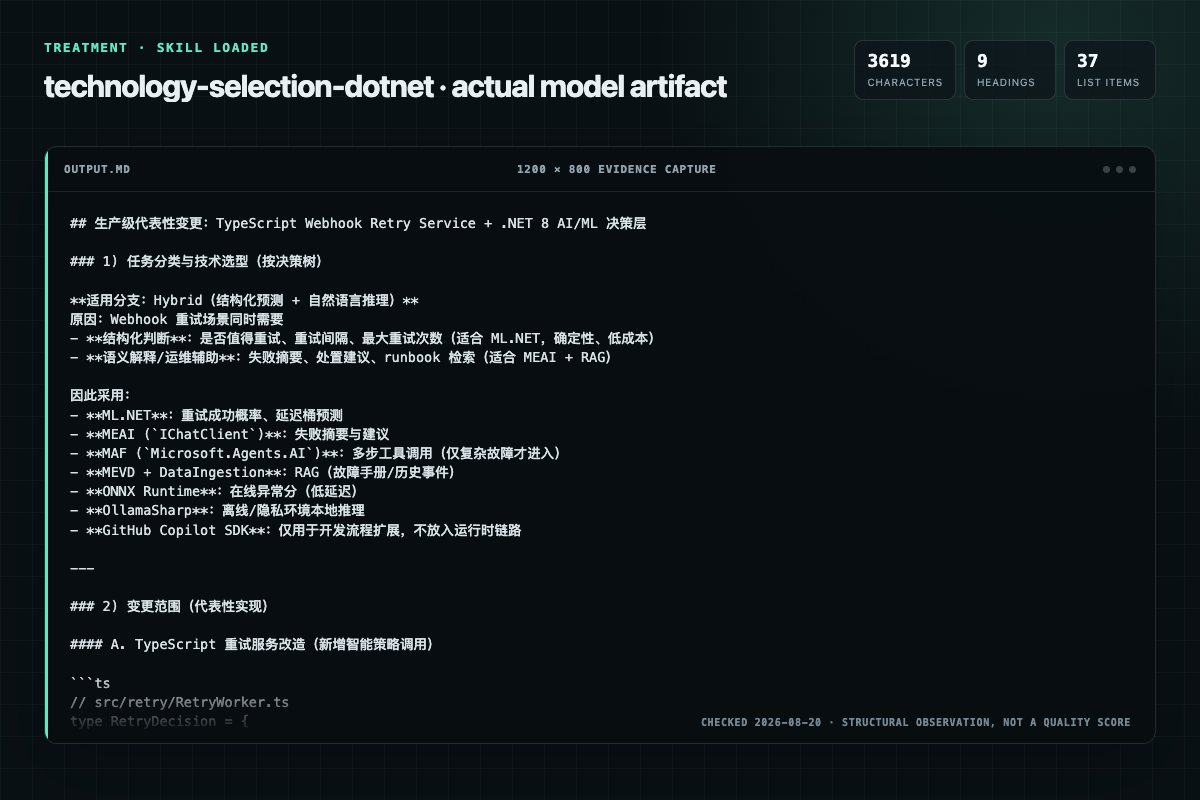
With Skill: 3619 non-whitespace characters, 9 headings, and 37 list items.
| Observation | Without Skill | With Skill |
|---|---|---|
| Source-signal coverage | 0/8: none | 2/8: inputs, decision |
| Output structure | 3571 chars · 9 headings · 35 list items · 3 code blocks | 3619 chars · 9 headings · 37 list items · 6 code blocks |
| Verification and caution signals | 14 verification signals · 2 risk/limitation signals | 10 verification signals · 4 risk/limitation signals |
Use the technology-selection Skill pinned at ab761ad27acd for my task. Follow its source-specific constraints around `technology-selection`, `machine`, `learning`, `inputs`, then return the finished deliverable with explicit assumptions, verification, failure conditions, and limits. Do not treat the Skill text as a factual source or claim that a single demonstration proves universal performance.
Compatibility matrix
| Platform | Status | Evidence | What to check |
|---|---|---|---|
| Codex | Not declared | No explicit evidence | Portability before use |
| Claude Code | Not declared | No explicit evidence | Portability before use |
| Cursor | Not declared | No explicit evidence | Portability before use |
| Gemini CLI | Not declared | No explicit evidence | Portability before use |
Installation
The source command is displayed only when detected. A safe inspection prompt is always available so your agent can explain every action before execution.
npx skills add https://github.com/dotnet/skills --skill "plugins/dotnet-ai/skills/technology-selection"Inspect the Agent Skill "technology-selection" from https://github.com/dotnet/skills/blob/73555e9231867c5978db07191514b7beb22cd253/plugins/dotnet-ai/skills/technology-selection/SKILL.md at commit 73555e9231867c5978db07191514b7beb22cd253. List every install step, command, network request, credential, file read/write, external action, and rollback step. Explain whether it fits my task. Do not install or execute anything until I approve.
Workflow
State which branch applies and why, then choose that technology.
Rules: start with MEAI; put the provider behind it via AddChatClient (don't call the provider in business logic); use Microsoft.Agents.AI for multi-step or durable agent workflows rather than hand-rolling an agent loop; never mix a raw HttpClient-to-OpenAI call with MEAI in the…
Every answer — plan or implementation — must address the guardrails for the selected branch:
[ ] Selection follows the decision tree — no LLM for tasks ML.NET handles
Review the “Anti-Patterns to Reject” section in the pinned source before continuing.
Permission review
The documentation asks the agent to create, modify, or delete local files.
**Plan / comparison / architecture only** (or "do not write code"): answer from this file aloneEvidence record
| Signal | Value | Evidence type | Meaning |
|---|---|---|---|
| Quality score | 77/100 | Computed | Documentation, specificity, maintenance, and trust rules |
| Repository stars | 5,241 | Source | Repository attention, not individual Skill quality |
| Compatibility | 0 platforms | Source | Declared in the catalog source record |
| Usage guide | tested outcome page | Tested | Generated or reviewed according to the visible evidence level |
Pinned source
Pick the right technology first, then deliver only what the task asks for. If the task asks for a plan, comparison, or architecture (or says "do not write code"), produce that — do not scaffold, build, or run code unprompted.
State which branch applies and why, then choose that technology.
| Task type | Technology | Why |
|---|---|---|
| Structured/tabular: classification, regression, clustering, anomaly detection, recommendation | ML.NET (Microsoft.ML) | Deterministic (fixed seed), no cloud dependency, purpose-built |
| NL understanding, generation, summarization, reasoning (single prompt → response, no tools) | LLM via Microsoft.Extensions.AI (IChatClient) | Language capability, no orchestration needed |
| Agentic: multi-step tool/function calling, agent loops, multi-agent | Microsoft Agent Framework (Microsoft.Agents.AI) on Microsoft.Extensions.AI | Needs orchestration, tool dispatch, iteration control IChatClient lacks |
| GitHub Copilot extensions / custom dev-workflow agents | GitHub Copilot SDK (GitHub.Copilot.SDK) | Integrates with the Copilot agent runtime |
| Run a pre-trained/custom model in production | ONNX Runtime (Microsoft.ML.OnnxRuntime) | Hardware-accelerated, format-agnostic inference |
| Local/offline LLM inference | OllamaSharp (Ollama models) | Privacy-sensitive, air-gapped, cost-constrained |
| Semantic search, RAG, embedding storage | Microsoft.Extensions.VectorData.Abstractions (MEVD) + a provider (Azure AI Search, Milvus, MongoDB, pgvector, Pinecone, Qdrant, Redis, SQL) | Provider-agnostic vector search |
| Ingest, chunk, load documents into a vector store | Microsoft.Extensions.AI.DataIngestion (preview) + MEVD | Parses, chunks, embeds, upserts |
| Both structured predictions AND NL reasoning | Hybrid: ML.NET scoring + LLM reasoning layer | ML.NET is reproducible; LLM adds explanation |
Critical rule: Do NOT use an LLM for tasks ML.NET handles well (tabular classification, regression, clustering) — LLMs are slower, costlier, and non-deterministic for these.
| Layer | Library | Use when |
|---|---|---|
| Abstraction | Microsoft.Extensions.AI (MEAI) | Always the foundation. Use IChatClient directly for prompt-response and simple, bounded function invocation. |
| Provider SDK | Azure.AI.OpenAI / OpenAI / Azure.AI.Inference / OllamaSharp | Concrete provider behind MEAI via AddChatClient. |
| Orchestration | Microsoft.Agents.AI (prerelease) | Multi-step tool use, durable agent loops, and multi-agent workflows. |
| Copilot | GitHub.Copilot.SDK | Building Copilot-platform extensions only. |
Rules: start with MEAI; put the provider behind it via AddChatClient (don't call the provider in
business logic); use Microsoft.Agents.AI for multi-step or durable agent workflows rather than
hand-rolling an agent loop; never mix a raw HttpClient-to-OpenAI call with MEAI in the same
workflow. Do not use Accord.NET (archived). For new projects, prefer MEAI and Agent Framework
unless existing Semantic Kernel features or investments are a requirement. Register AI/ML services
via DI; load secrets from user-secrets / env / Key Vault — never hardcode keys.
Every answer — plan or implementation — must address the guardrails for the selected branch:
new MLContext(seed: …) (reproducible); TrainTestSplit + evaluate on the held-out
set; report real metrics (MicroAccuracy/MacroAccuracy/LogLoss, AUC/F1, or RMSE/R²); serve with
PredictionEnginePool<TIn,TOut> (never a singleton PredictionEngine).IChatClient registered via AddChatClient (provider behind it);
set Temperature and MaxOutputTokens in ChatOptions; add retry/timeout
(RetryingChatClient/Polly); pin a dated model; load keys from user-secrets / env / Key Vault —
never hardcode an sk-… key; validate non-deterministic output against a schema with a
fallback.Microsoft.Agents.AI on IChatClient (never a
hand-rolled loop); set MaximumIterations and a token/cost ceiling; define each tool with a clear
schema (AIFunctionFactory.Create); log each step (never raw sensitive content).IEmbeddingGenerator and cache
the embeddings (don't re-embed per query); store/query with
Microsoft.Extensions.VectorData.Abstractions (MEVD) + the provider the user asked for (e.g.
pgvector); filter by a minimum similarity score; keep source attribution for each answer.
Honor the UI/storage the user specified; use only real, existing NuGet packages.Then choose depth:
references/classic-ml.mdreferences/llm.mdreferences/agentic.mdreferences/rag.mdreferences/copilot.mdreferences/onnx.mdreferences/ollama.mdIOptions<T>; keys from secure sources| Anti-pattern | Redirect |
|---|---|
| LLM for tabular classification | Use ML.NET — faster, cheaper, deterministic |
| LLM calls without retry/timeout | Add RetryingChatClient or Polly retry |
API keys in committed appsettings.json | user-secrets / env / Key Vault |
| Accord.NET, or defaulting to Semantic Kernel without a requirement | ML.NET; prefer MEAI + Microsoft.Agents.AI for new work |
Hand-rolled multi-step tool loops with IChatClient | Microsoft.Agents.AI (MaximumIterations, tool dispatch) |
| Agent Framework for a single prompt→response | IChatClient directly |
Raw HttpClient/OpenAI SDK in business logic alongside MEAI | one abstraction layer; depend on IChatClient |
PredictionEngine singleton in ASP.NET Core | PredictionEnginePool<TIn,TOut> (not thread-safe) |
| RAG without chunking or relevance filtering | semantic chunking + minimum similarity score |
| Building custom neural nets in .NET from scratch | pre-trained via ONNX Runtime or an LLM API |
Frequently asked questions
Pick the right technology first, then deliver only what the task asks for. If the task asks for a plan, comparison, or architecture (or says "do not write code"), produce that — do not scaffold, build, or run code unprompted.
The source record exposes this install command: npx skills add https://github.com/dotnet/skills --skill "plugins/dotnet-ai/skills/technology-selection". Inspect the command and pinned source before running it.
Static rules flagged write-files in the source; the page lists the matching lines and excerpts.
Alternatives
coreyhaines31/marketingskills
When the user wants to plan, design, or implement an A/B test or experiment, or build a growth experimentation program. Also use when the user mentions "A/B test," "split test," "experiment," "test this change," "variant copy," "multivariate test," "hypothesis," "should I test this," "which version is better," "test two versions," "statistical significance," "how long should I run this test," "growth experiments," "experiment velocity," "experiment backlog," "ICE score," "experimentation program
garrytan/gbrain
End-to-end discipline for turning any large data source (audio libraries, email takeouts, document corpora, chat exports, API dumps) into brain pages at scale. The lifecycle spine: SCHEMA → ACCESS → TRIAL → EVALUATE → IMPROVE → CODIFY → TEST → SKILLIFY → BULK → MONITOR. State is tracked in a durable JSON manifest (see MANIFEST-PATTERN.md) so any crash, session boundary, or subagent fan-out resumes from ground truth instead of memory.
alirezarezvani/claude-skills
App Store Optimization (ASO) toolkit for researching keywords, analyzing competitor rankings, generating metadata suggestions, and improving app visibility on Apple App Store and Google Play Store. Use when the user asks about ASO, app store rankings, app metadata, app titles and descriptions, app store listings, app visibility, or mobile app marketing on iOS or Android. Supports keyword research and scoring, competitor keyword analysis, metadata optimization, A/B test planning, launch checklist
dotnet/skills
Migrates .NET test projects from VSTest to Microsoft.Testing.Platform (MTP). Use when user asks to "migrate to MTP", "switch from VSTest", "enable Microsoft.Testing.Platform", "use MTP runner", set OutputType=Exe only for test projects in Directory.Build.props, or mentions EnableMSTestRunner, EnableNUnitRunner, or UseMicrosoftTestingPlatformRunner. USE FOR: MTP behavioral differences vs VSTest (exit code 8, zero tests discovered, --ignore-exit-code, TESTINGPLATFORM_EXITCODE_IGNORE); centralizing